
22BetCasino and sports
22Bet offer
 Dau GuideIndependent guide · TanzaniaVIEW 22BET
22BetCasino and sports
22Bet offer
betPawa login in Tanzania uses the phone number attached to your account. This guide separates a forgotten password, a missing verification message and a website that is not loading.
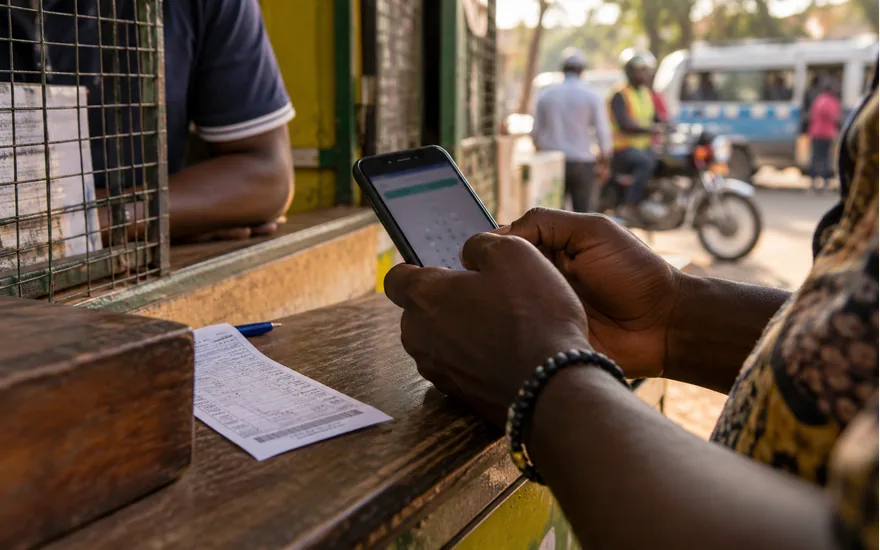
Follow this route for the task in front of you. Check the existing record before repeating any action involving account access, a bet or money.
Start from the verified Tanzania operator address and choose Login. Check that the destination still belongs to the same operator before entering a phone number or an account password.
Use the number attached to the existing account. Registering with a replacement number is not the same thing as recovering access to the account that holds your history.
If an error appears, note its exact wording before changing anything. A rejected password, a connection failure and an account restriction lead to different next steps.
Check account history after access returns. If another person may have used the account, secure access through official support rather than continuing directly to a deposit or game.
| Check | Detail and next action |
|---|---|
| Operator | Choplife Gaming Limited |
| Territory and currency | Tanzania · TZS |
| Age requirement | 18+ |
| Published deposit methods | Airtel, Mixx by Yas, Vodacom, Halo-Pesa |
Use the number originally attached to the account when signing in or asking about its history. A new SIM does not automatically point to the balance associated with an older number.
Keep access to the registered SIM and check whether it can receive normal messages. A phone with mobile data but no working message service can still create a recovery problem.
If the number has changed or been lost, follow the operator’s official ownership process. Do not create a replacement account solely to bypass a question about the first account.
Never publish a full phone number beside transaction screenshots in a public comment. Give the operator the requested identification only through its authenticated support route.
Choose the password-recovery option from the verified login page instead of guessing repeatedly. The official help describes recovery through a verification-code process tied to the account.
A recovery message is meant for the account holder. Do not read its code to a person in a chat or enter it into a form reached from an unknown link.
If a reset appears unsuccessful, note the exact stage and error. Failing to receive a message and having a newly set password rejected are different problems to report.
After access returns, review account activity if there is any reason to suspect misuse. Contact official support about unfamiliar transactions rather than assuming a password reset resolves their status.
Check the entered number and whether the SIM receives ordinary messages before requesting another code. The problem may be account data, network service or delivery rather than the password.
Avoid opening several recovery sessions at once. Where codes are replaced by newer requests, mixing messages from different attempts can make it harder to identify the current step.
Do not use a stranger’s number to obtain a message for your account. Account ownership and later wallet checks should remain connected to your own information.
If delivery remains unavailable, contact the official help route with the time and stage of the attempt. Do not send the content of an active recovery message to this guide.
| Check | Detail and next action |
|---|---|
| Step 1 | Check the address before entering account details. |
| Step 2 | Use the number originally registered to the account. |
| Step 3 | If the password is forgotten, choose the official reset route. |
| Step 4 | Check that your SIM can receive messages. |
| Step 5 | If access still fails, send support an error description without your password. |
A lost SIM is both a mobile-network issue and an account-access issue. Recovering the number through the network is separate from proving ownership of the betting account.
Use the network’s official process for the SIM and the operator’s official route for the account. A person offering to receive codes on your behalf is not a recovery solution.
Tell support which access remains available without publishing identity documents in a public conversation. Ask what evidence is needed before sending unrelated or excessive personal information.
If the old phone could be used by another person, explain that risk promptly through the official channel. Do not continue to fund an account whose access you no longer control.
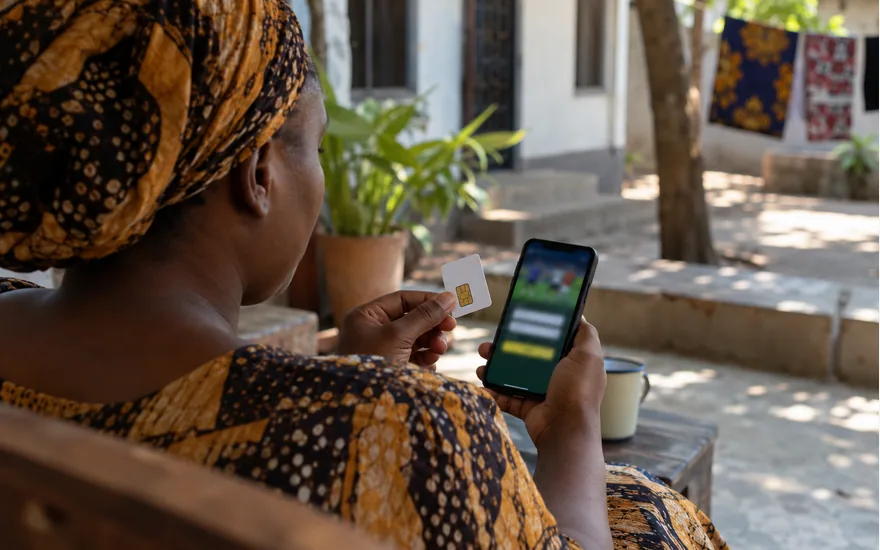
A restriction is not the same as a mistyped password or a slow page. Read the exact notice and check whether the operator is requesting information or describing a particular account status.
Do not try to bypass the restriction with a second account, another person’s identity or a different wallet. That does not establish ownership or resolve the original issue.
Collect the account notice, when it appeared and any related case reference. Ask support which action is required rather than guessing a document list or waiting period.
Keep the question focused on access or the affected transaction. No independent information guide can remove the restriction or promise an account will be reopened.
A browser session avoids installing an additional package and can help distinguish a download problem from a wider account or connection problem. It still requires a verified destination.
Use an up-to-date browser and check whether other websites load before treating a blank page as an account restriction. A weak connection can affect only part of a page.
If a form does not respond, check the existing account record before repeating a payment or bet. A stalled screen is not proof that the previous request never reached the operator.
Keep shared-device access temporary. Sign out when finished, avoid saved credentials on public phones and do not leave the account open for someone else to use.
| Check | Detail and next action |
|---|---|
| Publicly checked | Tanzania operator identity and published cashier names. |
| Check in your account | Current limits, fees, account notices and personal eligibility. |
| Not claimed as tested | No funded withdrawal or independently measured payout time. |
Begin with the operator’s official Tanzania website, then follow its current distribution route. A sponsored search result or forwarded APK file is not enough to establish authenticity.
The researched Android listing uses package com.betpawa.androidapp.tz and identifies PawaTech as publisher. Check those details against the store page reached from the official operator.
Do not turn off device protection simply to install a file from an unverified source. A functioning mobile browser is a reasonable alternative when a download cannot be authenticated.
After installation, review the destination and account access carefully. The app should not require you to send a wallet PIN or verification message to another person.
Look at the complete address before entering credentials. A padlock only describes an encrypted connection; it does not establish that a look-alike domain belongs to the operator.
Start with the verified Tanzania site and follow its own navigation. Avoid entering account details through shortened chat links, copied login forms or a page demanding an additional unlocking fee.
A password, wallet PIN and one-time verification code should remain private. A person claiming to predict games or release a withdrawal does not need those secrets.
If you suspect compromise, stop using the questionable route and contact the genuine operator. Keep screenshots of the suspicious message without following additional payment or installation instructions.
Describe one problem and its current status before adding background. Include the reference, amount where relevant, local date and time, and the exact error or missing event.
Use the official Tanzania Help route, preferably from the authenticated account. This information site cannot view operator records, approve withdrawals, reverse a bet or unlock an account.
Do not include a password, wallet PIN or one-time code. Redact unrelated personal information from screenshots while leaving the transaction reference and relevant status available for investigation.
Keep the conversation reference and add new evidence to the same case. Starting several contradictory requests can make it harder to follow what happened and what has already been checked.
Start from the verified Tanzania operator address and choose Login. Check that the destination still belongs to the same operator before entering a phone number or an account password. Use the number attached to the existing account. Registering with a replacement number is not the same thing as recovering access to the account that holds your history.
Use the number originally attached to the account when signing in or asking about its history. A new SIM does not automatically point to the balance associated with an older number. Keep access to the registered SIM and check whether it can receive normal messages. A phone with mobile data but no working message service can still create a recovery problem.
Choose the password-recovery option from the verified login page instead of guessing repeatedly. The official help describes recovery through a verification-code process tied to the account. A recovery message is meant for the account holder. Do not read its code to a person in a chat or enter it into a form reached from an unknown link.
Check the entered number and whether the SIM receives ordinary messages before requesting another code. The problem may be account data, network service or delivery rather than the password. Avoid opening several recovery sessions at once. Where codes are replaced by newer requests, mixing messages from different attempts can make it harder to identify the current step.
A lost SIM is both a mobile-network issue and an account-access issue. Recovering the number through the network is separate from proving ownership of the betting account. Use the network’s official process for the SIM and the operator’s official route for the account. A person offering to receive codes on your behalf is not a recovery solution.
A restriction is not the same as a mistyped password or a slow page. Read the exact notice and check whether the operator is requesting information or describing a particular account status. Do not try to bypass the restriction with a second account, another person’s identity or a different wallet. That does not establish ownership or resolve the original issue.
A browser session avoids installing an additional package and can help distinguish a download problem from a wider account or connection problem. It still requires a verified destination. Use an up-to-date browser and check whether other websites load before treating a blank page as an account restriction. A weak connection can affect only part of a page.
Begin with the operator’s official Tanzania website, then follow its current distribution route. A sponsored search result or forwarded APK file is not enough to establish authenticity. The researched Android listing uses package com.betpawa.androidapp.tz and identifies PawaTech as publisher. Check those details against the store page reached from the official operator.
Look at the complete address before entering credentials. A padlock only describes an encrypted connection; it does not establish that a look-alike domain belongs to the operator. Start with the verified Tanzania site and follow its own navigation. Avoid entering account details through shortened chat links, copied login forms or a page demanding an additional unlocking fee.
Describe one problem and its current status before adding background. Include the reference, amount where relevant, local date and time, and the exact error or missing event. Use the official Tanzania Help route, preferably from the authenticated account. This information site cannot view operator records, approve withdrawals, reverse a bet or unlock an account.
This guide uses public Tanzania sources. No funded withdrawal test was performed, and account-specific eligibility is not established by public research.
25% of qualifying weekly net Casino losses, not deposits or all stakes. Friday–Thursday; credited the following Friday as cash, without wagering. Virtual Sports are excluded. Detailed rules apply 90-day expiry only without activity; deposits, withdrawals or wagers remove that expiry. The short overview omits this qualification. Check the full terms and account eligibility. 18+; gambling can cause harm. Full conditions and sources.