
22BetCasino and sports
22Bet offer
 Dau GuideIndependent guide · TanzaniaVIEW 22BET
22BetCasino and sports
22Bet offer
A blank screen, a rejected password and a missing deposit are different problems. Identify which stage failed, preserve the existing record and make one controlled check at a time.
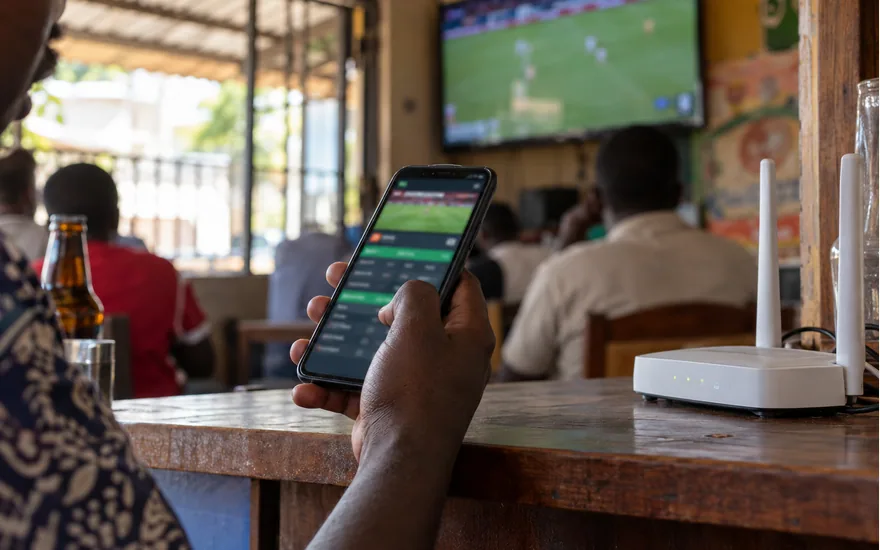
Describe the smallest operation that fails. A homepage that opens with a login error is different from a site that never loads. An individual game failing does not establish that account payments or the whole service are unavailable.
Note the exact visible message and time. Change one thing at a time so you can tell what affected the result. A useful diagnosis is a sequence of observations, not a claim that every problem has the same fix.
Use the verified Tanzania operator address. A search advert, an APK mirror and a copied social link are not automatically equivalent. Stop if the destination or certificate warning makes the page’s identity uncertain.
Do not bypass a browser security warning to reach a betting account. Do not enter credentials into a page that asks you to prove ownership by sharing a wallet PIN. Verify the destination through an official route first.
| What you see | First useful check | Avoid |
|---|---|---|
| Whole site does not load | Address, normal connection and browser availability | Unverified mirrors or security-warning bypasses |
| Site loads but login fails | Registered number and official recovery route | Repeated password guesses or a second account |
| Balance looks stale | Statements and the original wallet reference | Another deposit just to refresh the figure |
| Bet submission is unclear | Accepted ticket history and submission time | Duplicating the bet before checking |
| Account restriction notice | Read the notice and contact support | Trying another identity or location |
See whether an unrelated, familiar website loads on the same device and connection. If several services fail, the problem may not be specific to betPawa. Record that observation rather than treating it as proof of an operator outage.
Where lawful and normally available, compare another ordinary connection without changing your identity or location. Do not use a VPN or mirror to evade regional, regulatory or account restrictions. Ask the operator about availability if a restriction is shown.
Check the registered phone number and use the official password-recovery route if needed. A missing SMS is a different problem from a blank page. Confirm that your SIM can receive messages and follow the options actually offered.
Do not keep guessing a password or create another account to work around access trouble. If the phone number has changed or the SIM is lost, explain it to support and follow the ownership-check process.
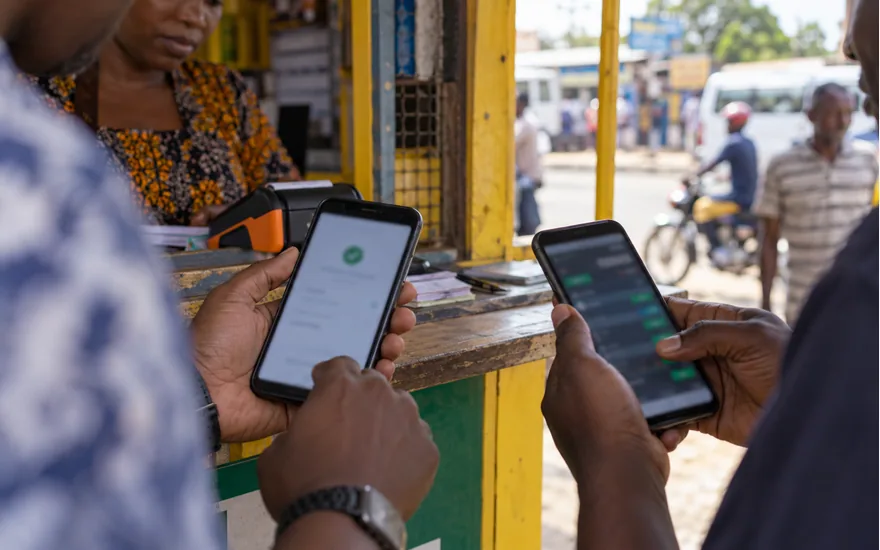
The official help suggests refreshing or signing out and back in for some balance-display issues. First preserve the transaction or ticket information already visible. Avoid refreshing a payment authorisation screen as if it were an ordinary article.
Before clearing cookies, make sure you can recover account access and have saved relevant evidence. Clearing local browser data is not a reversal of a payment, nor does it remove the operator’s transaction history.
Check whether the authenticated mobile website works while the app fails. That distinction helps describe the issue without assuming the account itself is blocked. Use only a verified update route and keep device protections enabled.
Do not install a file sent by an unknown helper or disable security checks because a guide promises a faster login. Record the device model, operating-system version and app version where available for a specific support report.
Open My Bets and look for an accepted ticket matching the event, stake and time. A frozen button is not proof that nothing happened. Repeating the selection before checking can create a second exposure.
If you cannot reconcile the record, save the time and any confirmation reference. Ask support about the attempted submission. Do not treat a later price change or match result as evidence of the earlier acceptance status.
Separate the wallet debit, operator statement and displayed balance. Keep the payment amount, time and transaction ID. The official help describes the transaction reference as useful when a deposit needs tracing.
Do not send another payment to test whether the site works. Do not pay an agent to release a missing transfer. An unresolved financial discrepancy should move to the official support route with evidence.
Give the action, visible error, time, device and whether the issue occurs in the app, browser or both. Include a ticket or transaction reference only when relevant. Remove unnecessary personal details from screenshots.
Never provide a password, wallet PIN or one-time code. Keep the case reference and update the same conversation with new observations. If support confirms a restriction, follow that process rather than searching for a technical bypass.
The balance stays unchanged after the wallet confirms a payment. Open Statements before paying again. If a credit is recorded, the issue may be display-related; if no matching entry appears, keep the wallet transaction ID and contact support. A second transfer does not diagnose the first one.
It can be a connection, browser, service or availability issue. Confirm the address and record what fails before deciding that the operator is down.
No. Verify an official Tanzania route and do not bypass security warnings or legal restrictions. A lookalike page can put credentials at risk.
Use the registered number and official recovery options. Separate password and SMS problems from a whole-site loading problem.
No. Local browser data does not reverse or recreate a transfer. Check Statements and the wallet reference before repeating any payment.
No. Inspect the existing record first and contact official support with the transaction ID if it cannot be reconciled.
Check accepted tickets and their timestamps, preserve both references and ask support. Do not place a third bet to correct the situation.
Use the verified mobile website to compare the behaviour, provided access is permitted. Do not install an unverified APK or disable device protections.
The error, action time, device, app or browser version and relevant ticket or payment reference. Passwords and wallet PINs should never be included.
Contact official support with the time, device, error and relevant reference. First confirm the Tanzania address and whether the problem affects the whole site, account access or one transaction. Check account history before repeating payments or bets. Keep security protections enabled and do not bypass a legal or account restriction.
Public-source review: 21 October 2026. No funded payment or betting test was performed.